

[HiTech 1.7.10] Мод OpenComputers | 3Д Печать моделек и красивых блоков.
Автор: LameR87 · Обновлён:
Часто интересуются, как собрать свой первый ПК и печатать 3D-модельки, а также как делать их активными.
Я сам недавно узнал, как это делать, и решил поделиться своим опытом с вами.
Если хотите смотреть видео, а не читать, ----> Видео с подробным объяснением <---- это для вас.
Сборка компьютера
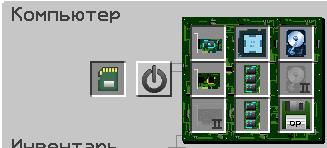
Нам понадобится
Преобразователь энергии — 1 шт. (подключаем к нему энергию)
Системный блок (3-й уровень) — 1 шт. (ставим впритык к преобразователю энергии)
Монитор (3-й уровень) — 9 шт. (ставим квадратом 3 на 3 впритык к системному блоку)
3D-принтер (ставим впритык к монитору)
EEPROM (Lua BIOS) — 1 шт.
Видеокарта (3-й уровень) — 1 шт.
Интернет-карта — 1 шт.
Центральный процессор (ЦП) (3-й уровень) — 1 шт.
Память (уровень 3.5) — 2 шт.
Жёсткий диск (3-й уровень) (4MB)
OpenOS (Operating System)
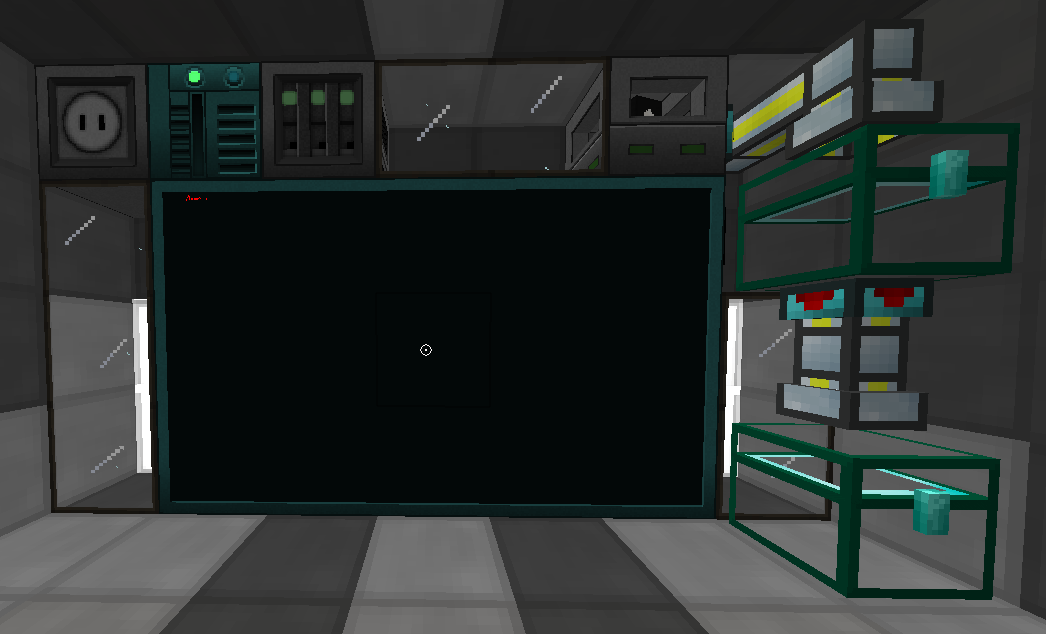
Установка системы и подготовка программ
После включения компьютера пишем Install и Y (чтобы система перезагрузилась и запустилась наша ОС).
Когда система включена, вставляем это сообщение:
pastebin get NuEi4gL8 3dprint.lua
Затем скачиваем MagicalVoxel и открываем его, выставляем параметры, как у меня (выделено голубой рамкой).
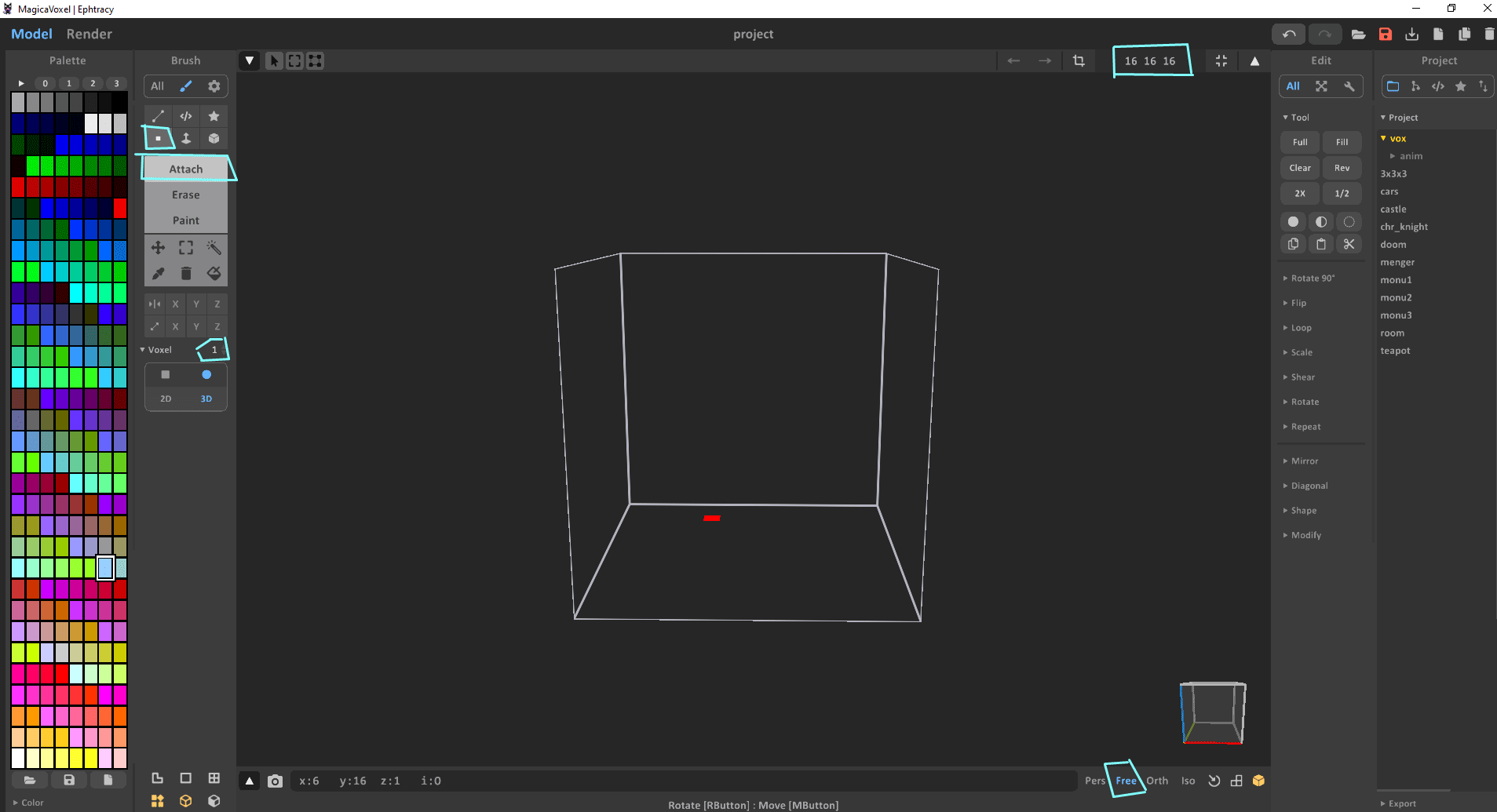
Создание модели
Рисуем в нём модельку и сохраняем, нажав CTRL+S или ЛКМ по кнопке на фото ниже.
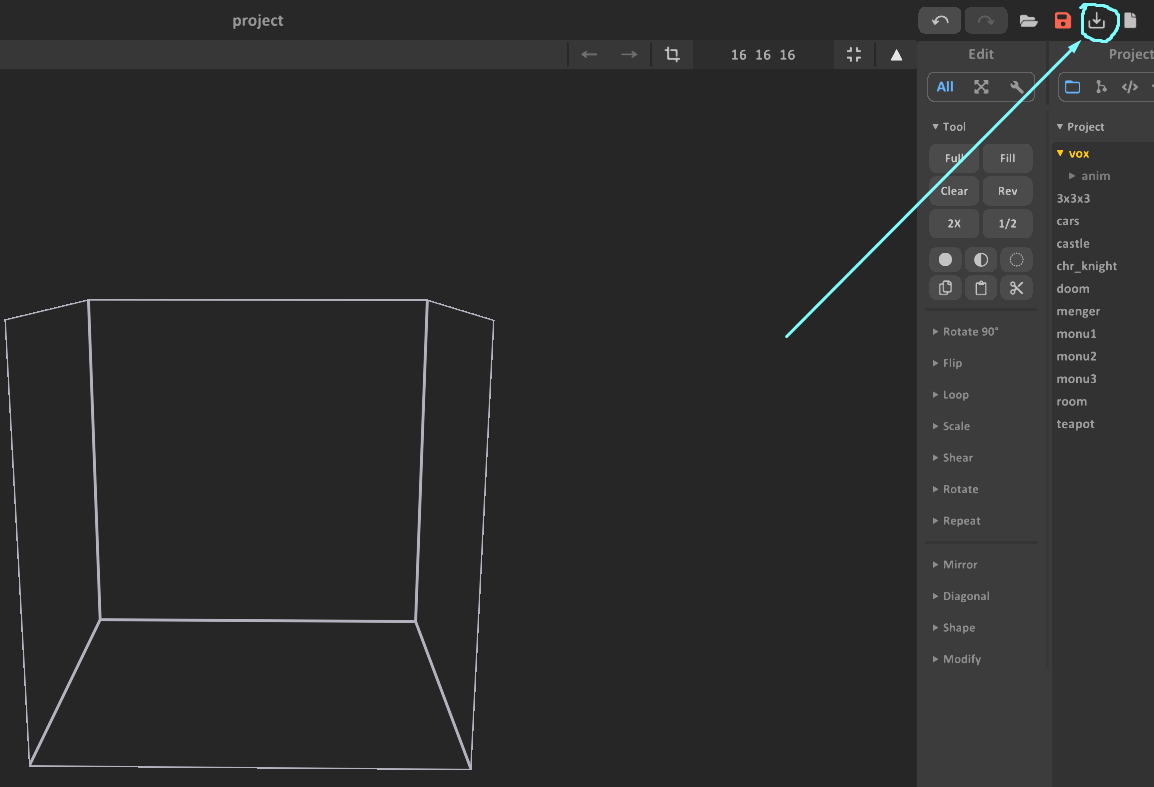
После того как нарисовали, заходим на САЙТ <---
и выбираем файл, который мы сохранили.
Копируем код.
Для примера оставлю вам код для тренировки:
Код модели blackblock
{
  label = "blackblock",
  shapes = {
    { 0,0,0,5,1,16,texture = "iron_block", tint = 0x111111 },
    { 5,0,0,16,1,5,texture = "iron_block", tint = 0x111111 },
    { 5,0,5,6,1,7,texture = "iron_block", tint = 0x111111 },
    { 5,0,7,11,1,9,texture = "quartz_block_side", tint = 0xeeeeee },
    { 5,0,9,6,1,16,texture = "iron_block", tint = 0x111111 },
    { 6,0,5,7,1,6,texture = "iron_block", tint = 0x111111 },
    { 6,0,6,10,1,10,texture = "quartz_block_side", tint = 0xeeeeee },
    { 6,0,10,7,1,16,texture = "iron_block", tint = 0x111111 },
    { 7,0,5,9,1,11,texture = "quartz_block_side", tint = 0xeeeeee },
    { 7,0,11,16,1,16,texture = "iron_block", tint = 0x111111 },
    { 9,0,5,16,1,6,texture = "iron_block", tint = 0x111111 },
    { 9,0,10,16,1,16,texture = "iron_block", tint = 0x111111 },
    { 10,0,6,16,1,7,texture = "iron_block", tint = 0x111111 },
    { 10,0,9,16,1,16,texture = "iron_block", tint = 0x111111 },
    { 11,0,7,16,1,16,texture = "iron_block", tint = 0x111111 },
    { 0,1,0,5,16,1,texture = "iron_block", tint = 0x111111 },
    { 0,1,1,1,5,16,texture = "iron_block", tint = 0x111111 },
    { 1,1,15,16,5,16,texture = "iron_block", tint = 0x111111 },
    { 5,1,0,16,5,1,texture = "iron_block", tint = 0x111111 },
    { 15,1,1,16,5,16,texture = "iron_block", tint = 0x111111 },
    { 0,5,1,1,16,5,texture = "iron_block", tint = 0x111111 },
    { 0,5,5,1,6,7,texture = "iron_block", tint = 0x111111 },
    { 0,5,7,1,11,9,texture = "quartz_block_side", tint = 0xeeeeee },
    { 0,5,9,1,6,16,texture = "iron_block", tint = 0x111111 },
    { 1,5,15,5,16,16,texture = "iron_block", tint = 0x111111 },
    { 5,5,0,7,6,1,texture = "iron_block", tint = 0x111111 },
    { 5,5,15,7,6,16,texture = "iron_block", tint = 0x111111 },
    { 7,5,0,9,11,1,texture = "quartz_block_side", tint = 0xeeeeee },
    { 7,5,15,9,11,16,texture = "quartz_block_side", tint = 0xeeeeee },
    { 9,5,0,16,6,1,texture = "iron_block", tint = 0x111111 },
    { 9,5,15,16,6,16,texture = "iron_block", tint = 0x111111 },
    { 15,5,1,16,16,5,texture = "iron_block", tint = 0x111111 },
    { 15,5,5,16,6,7,texture = "iron_block", tint = 0x111111 },
    { 15,5,7,16,11,9,texture = "quartz_block_side", tint = 0xeeeeee },
    { 15,5,9,16,6,16,texture = "iron_block", tint = 0x111111 },
    { 0,6,5,1,7,6,texture = "iron_block", tint = 0x111111 },
    { 0,6,6,1,10,10,texture = "quartz_block_side", tint = 0xeeeeee },
    { 0,6,10,1,7,16,texture = "iron_block", tint = 0x111111 },
    { 5,6,0,6,7,1,texture = "iron_block", tint = 0x111111 },
    { 5,6,15,6,7,16,texture = "iron_block", tint = 0x111111 },
    { 6,6,0,10,10,1,texture = "quartz_block_side", tint = 0xeeeeee },
    { 6,6,15,10,10,16,texture = "quartz_block_side", tint = 0xeeeeee },
    { 10,6,0,16,7,1,texture = "iron_block", tint = 0x111111 },
    { 10,6,15,16,7,16,texture = "iron_block", tint = 0x111111 },
    { 15,6,5,16,7,6,texture = "iron_block", tint = 0x111111 },
    { 15,6,6,16,10,10,texture = "quartz_block_side", tint = 0xeeeeee },
    { 15,6,10,16,7,16,texture = "iron_block", tint = 0x111111 },
    { 0,7,5,1,9,11,texture = "quartz_block_side", tint = 0xeeeeee },
    { 0,7,11,1,16,16,texture = "iron_block", tint = 0x111111 },
    { 5,7,0,11,9,1,texture = "quartz_block_side", tint = 0xeeeeee },
    { 5,7,15,11,9,16,texture = "quartz_block_side", tint = 0xeeeeee },
    { 11,7,0,16,16,1,texture = "iron_block", tint = 0x111111 },
    { 11,7,15,16,16,16,texture = "iron_block", tint = 0x111111 },
    { 15,7,5,16,9,11,texture = "quartz_block_side", tint = 0xeeeeee },
    { 15,7,11,16,16,16,texture = "iron_block", tint = 0x111111 },
    { 0,9,5,1,16,6,texture = "iron_block", tint = 0x111111 },
    { 0,9,10,1,16,16,texture = "iron_block", tint = 0x111111 },
    { 5,9,0,6,16,1,texture = "iron_block", tint = 0x111111 },
    { 5,9,15,6,16,16,texture = "iron_block", tint = 0x111111 },
    { 10,9,0,16,16,1,texture = "iron_block", tint = 0x111111 },
    { 10,9,15,16,16,16,texture = "iron_block", tint = 0x111111 },
    { 15,9,5,16,16,6,texture = "iron_block", tint = 0x111111 },
    { 15,9,10,16,16,16,texture = "iron_block", tint = 0x111111 },
    { 0,10,6,1,16,7,texture = "iron_block", tint = 0x111111 },
    { 0,10,9,1,16,16,texture = "iron_block", tint = 0x111111 },
    { 6,10,0,7,16,1,texture = "iron_block", tint = 0x111111 },
    { 6,10,15,7,16,16,texture = "iron_block", tint = 0x111111 },
    { 9,10,0,16,16,1,texture = "iron_block", tint = 0x111111 },
    { 9,10,15,16,16,16,texture = "iron_block", tint = 0x111111 },
    { 15,10,6,16,16,7,texture = "iron_block", tint = 0x111111 },
    { 15,10,9,16,16,16,texture = "iron_block", tint = 0x111111 },
    { 0,11,7,1,16,16,texture = "iron_block", tint = 0x111111 },
    { 7,11,0,16,16,1,texture = "iron_block", tint = 0x111111 },
    { 7,11,15,16,16,16,texture = "iron_block", tint = 0x111111 },
    { 15,11,7,16,16,16,texture = "iron_block", tint = 0x111111 },
    { 1,15,1,5,16,16,texture = "iron_block", tint = 0x111111 },
    { 5,15,1,16,16,5,texture = "iron_block", tint = 0x111111 },
    { 5,15,5,6,16,7,texture = "iron_block", tint = 0x111111 },
    { 5,15,7,11,16,9,texture = "quartz_block_side", tint = 0xeeeeee },
    { 5,15,9,6,16,16,texture = "iron_block", tint = 0x111111 },
    { 6,15,5,7,16,6,texture = "iron_block", tint = 0x111111 },
    { 6,15,6,10,16,10,texture = "quartz_block_side", tint = 0xeeeeee },
    { 6,15,10,7,16,16,texture = "iron_block", tint = 0x111111 },
    { 7,15,5,9,16,11,texture = "quartz_block_side", tint = 0xeeeeee },
    { 7,15,11,16,16,16,texture = "iron_block", tint = 0x111111 },
    { 9,15,5,16,16,6,texture = "iron_block", tint = 0x111111 },
    { 9,15,10,16,16,16,texture = "iron_block", tint = 0x111111 },
    { 10,15,6,16,16,7,texture = "iron_block", tint = 0x111111 },
    { 10,15,9,16,16,16,texture = "iron_block", tint = 0x111111 },
    { 11,15,7,16,16,16,texture = "iron_block", tint = 0x111111 },
  }
}
Сохранение кода и печать
После копирования кода откройте компьютер и введите команду edit <name>, например edit blackblock. Вставьте код с помощью клавиши Insert или колёсика мыши, затем сохраните файл сочетанием клавиш CTRL+S и закройте редактор с помощью CTRL+W.
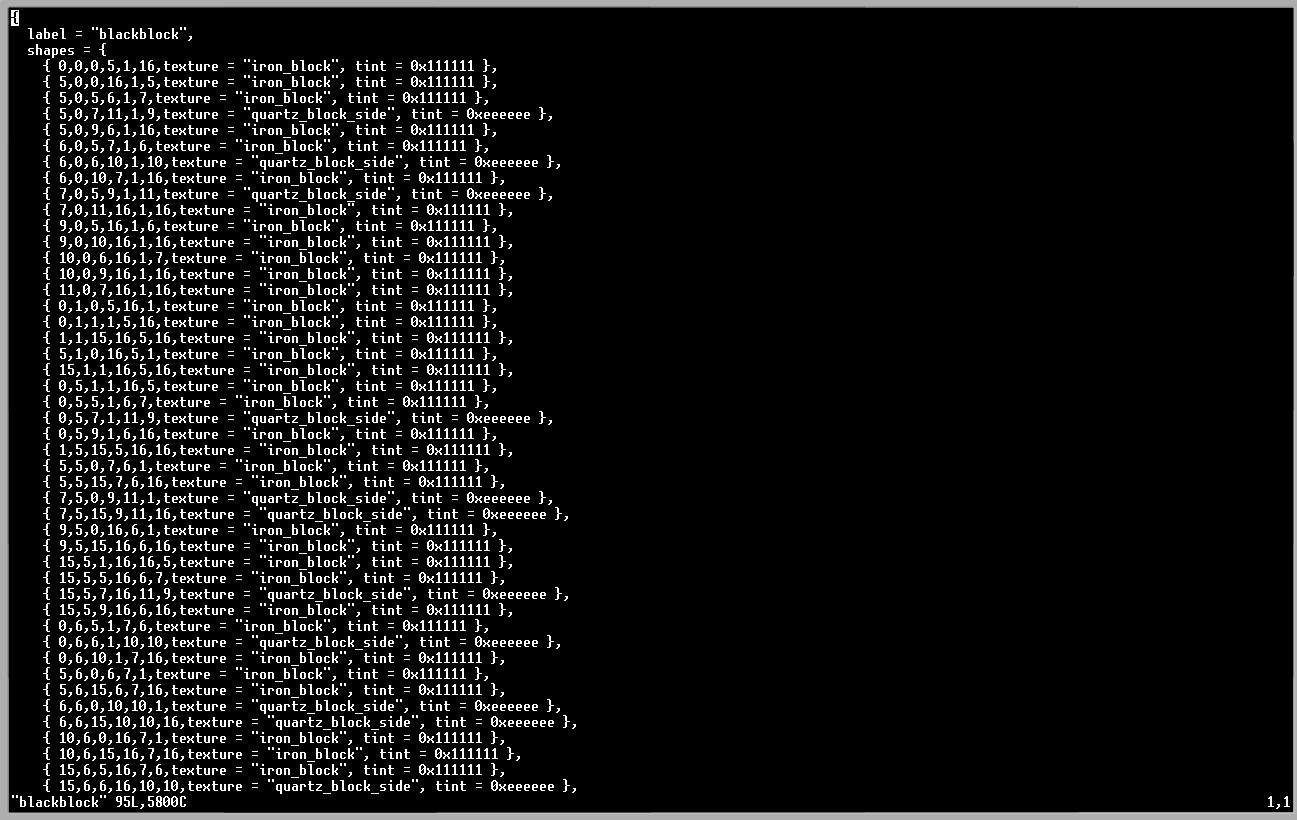
Далее выполните команду 3dprint <name>. В нашем случае это будет 3dprint blackblock.
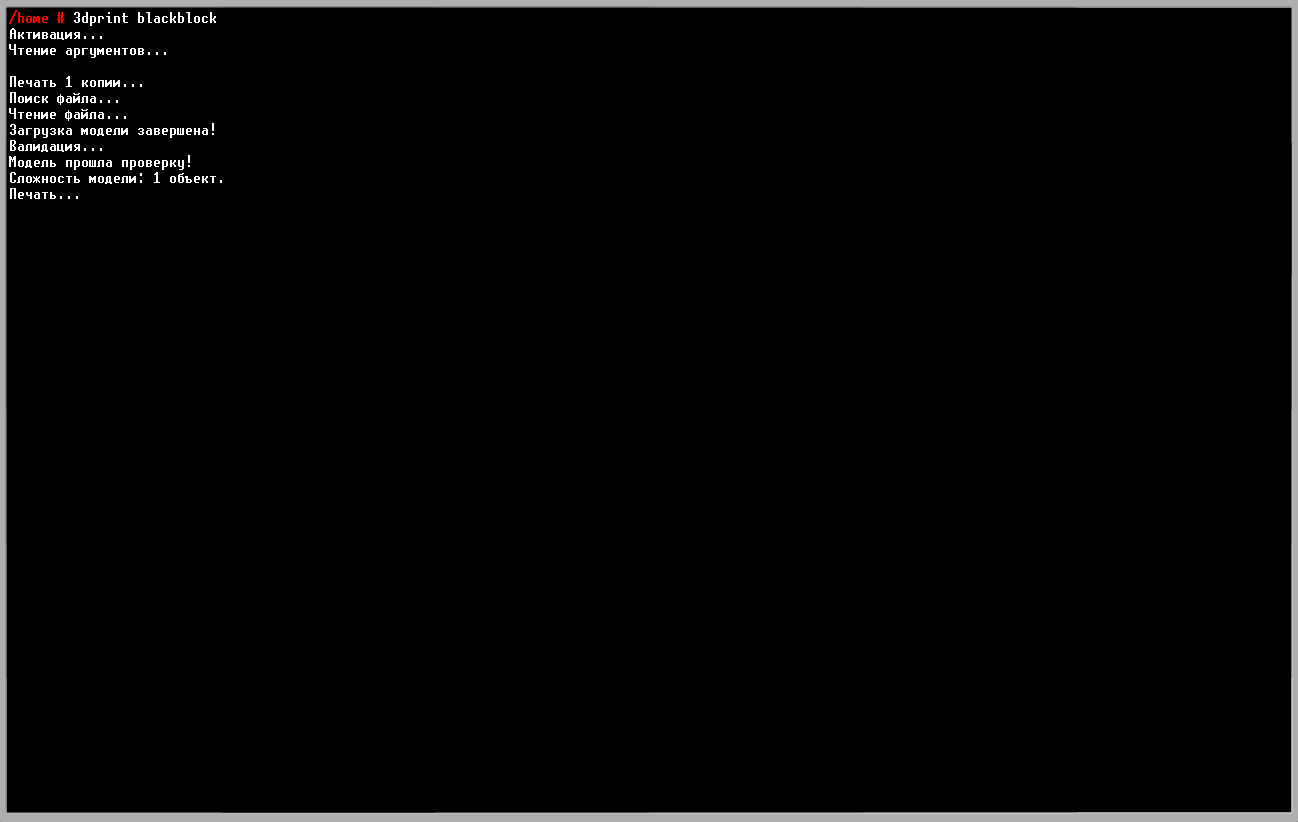
Если вы выполнили все действия правильно, у вас должна получиться 3D-печать.
Активные модели
Если вы хотите создать активную модель (например, рычаг, который включается, выключается и меняет форму), потребуется немного больше усилий. В текстовом формате сложно передать все нюансы, поэтому для наглядности я подготовил видео.